Moving to a new home comes with a long checklist, and one task you shouldn’t overlook is updating your driver’s license address. If you’re searching for change PA driver’s license address, the good news is that Pennsylvania makes the process relatively simple for most drivers. Depending on your situation, you may be able to update your address online, by mail, or in person through the Pennsylvania Department of Transportation (PennDOT).
Keeping your address up to date helps ensure you receive important notices about your driver’s license, vehicle registration, and other PennDOT services. In this guide, you’ll learn who needs to update their address, how each method works, whether you’ll receive a new license, and common mistakes to avoid. Because PennDOT requirements can change, always check the latest guidance on the official website before submitting your request.
Quick Answer
If you move to a new residence in Pennsylvania, you should update the address associated with your driver’s license through PennDOT. Many drivers can complete the process online, while others may choose to update their information by mail or in person. Updating your address keeps PennDOT’s records accurate and helps ensure you receive important licensing notices and correspondence.
Why You Should Change Your PA Driver’s License Address
Updating your driver’s license address is more than just an administrative task. It helps PennDOT maintain accurate records and ensures that important documents reach you at the correct address.
Some of the benefits of updating your address include:
- Receiving driver’s license renewal reminders
- Getting vehicle registration notices on time
- Receiving official PennDOT correspondence
- Keeping your driving record current
- Reducing the chance of missing important deadlines
If PennDOT has an outdated address on file, important mail could be delayed or sent to your previous residence. Taking a few minutes to update your information can help you avoid unnecessary complications later.
In addition to helping you stay informed about license renewals and other driver services, keeping your address current can make future PennDOT transactions easier. For example, if you later apply for a replacement driver’s license, renew your license, or complete another driver licensing service, having an accurate address on file can help prevent delays caused by outdated information.
It’s also a good habit to review your address whenever you experience a major life change, such as purchasing a home, relocating for work, or moving after graduation. Updating your records promptly reduces the chance of overlooking this important task months later.
Who Needs to Update Their Address?
You should update your Pennsylvania driver’s license address whenever your primary residential address changes.
This generally includes people who:
- Buy a new home
- Move into a rental property
- Relocate within Pennsylvania
- Move from one apartment to another
- Change their permanent residence after living elsewhere
Students who establish a new permanent residence and military personnel should follow the guidance that applies to their individual circumstances. If you’re unsure whether you need to update your address, PennDOT’s official website provides the most current instructions.
Remember that updating your mailing address with another government agency or using USPS mail forwarding does not automatically update your PennDOT driver’s license record.
If you’re moving within the same city or county, you should still update the address associated with your driver’s license. Even a small change, such as moving to a different apartment in the same building or relocating to another neighborhood, can affect where PennDOT sends official correspondence.
Drivers who have recently changed both their name and address should carefully review PennDOT’s requirements before starting either transaction. Depending on your circumstances, it may be easier to complete one update before the other.
Before You Change Your Address
Before you begin the process to change PA driver’s license address, it’s helpful to gather the information you’ll need. Taking a few minutes to prepare can make the process smoother and reduce the chance of entering incorrect information.
Most drivers should have the following information readily available:
- Your Pennsylvania driver’s license or photo ID number
- Your current residential address
- Your new residential address
- Your mailing address, if it is different from your residential address
- The correct ZIP Code for your new address
Carefully verify your new address before submitting your request. A simple typo in the street name, apartment number, or ZIP Code could delay important mail or require another update later.
If you’ve recently moved into a newly built home or apartment complex, double-check that your address appears correctly with the United States Postal Service and matches the information you’ll provide to PennDOT.
Vehicle owners should also remember that updating a driver’s license address does not automatically update the address associated with a vehicle registration. Since these are maintained separately, you’ll want to review both records and update each one if necessary.
Finally, take a moment to decide which update method works best for you. Drivers who are eligible for online services may find that option the most convenient, while others may prefer to complete the transaction by mail or visit a PennDOT Driver License Center for assistance.
Preparing these details before you start can help you complete the transaction more efficiently and reduce the likelihood of errors that could delay future PennDOT correspondence.
Official Source: Pennsylvania Department of Transportation (PennDOT) – Change Your Address
How to Change Your PA Driver’s License Address Online
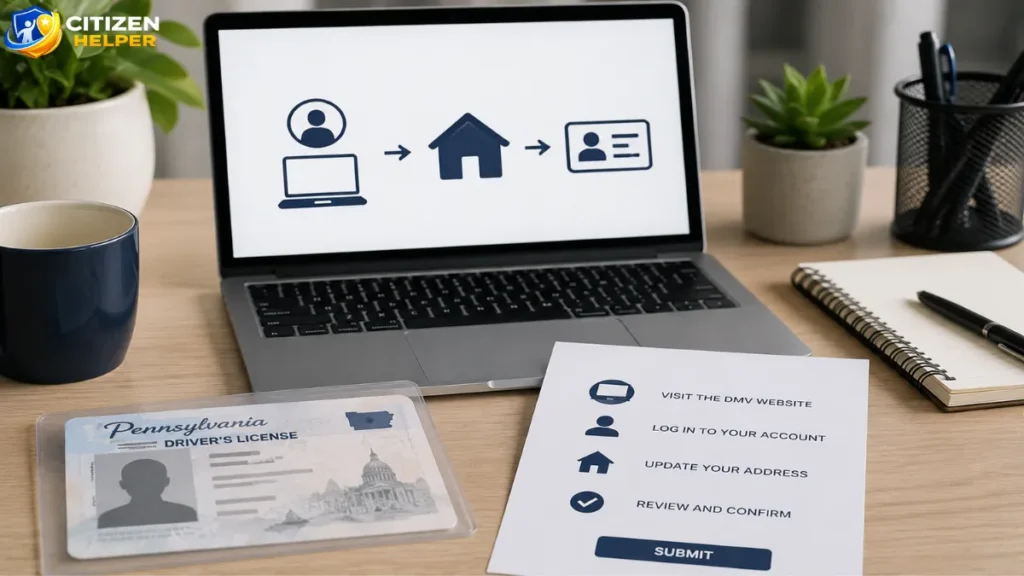
For many drivers, updating an address online is the quickest and easiest option.
Step 1: Visit the PennDOT Website
Go to PennDOT’s official Driver and Vehicle Services website and select the option to change your driver’s license address.
Step 2: Enter Your Information
You’ll generally be asked to provide information such as:
- Pennsylvania driver’s license or photo ID number
- Date of birth
- Current address
- New residential address
Make sure all information matches your PennDOT records.
Step 3: Review Your Information
Before submitting your request, carefully review every detail. An incorrect apartment number, ZIP Code, or street name could cause future mail delivery issues.
Step 4: Submit Your Request
After submitting your information, PennDOT updates your address in its records. Depending on your transaction, you may receive a confirmation that your request was successfully processed.
Some drivers may not qualify to complete every transaction online. If the online system cannot process your request, PennDOT will explain your available options.
Official Source: Pennsylvania Department of Transportation (PennDOT) – Driver and Vehicle Services
How to Change Your Address by Mail
If you prefer not to use the online system, PennDOT also allows eligible drivers to update their address by mail.
The general process includes:
- Download the appropriate address change form from the PennDOT website.
- Complete the form with your updated information.
- Review the information for accuracy.
- Mail the completed form to the address listed in the instructions.
Mail processing usually takes longer than online updates, so allow additional time for PennDOT to process your request.
Always use the most current version of the official PennDOT form to avoid delays.
How to Change Your Address In Person
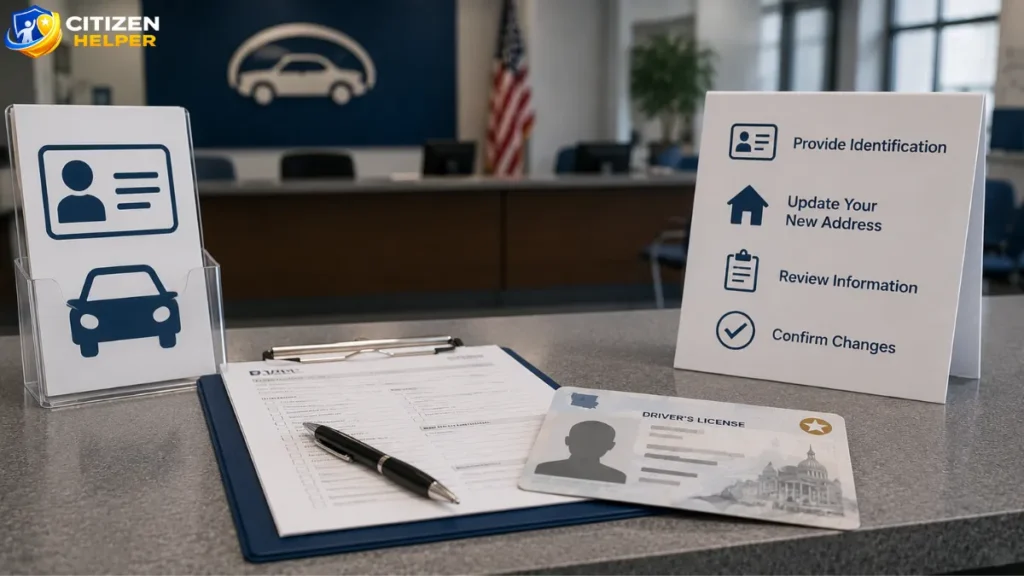
Some drivers prefer visiting a PennDOT Driver License Center, especially if they have questions or need assistance with another driver’s license service.
When visiting a Driver License Center:
- Bring your current Pennsylvania driver’s license or photo ID.
- Be prepared to provide your new residential address.
- Follow any additional document requirements for your specific transaction.
Visiting in person may also be helpful if you plan to request a duplicate driver’s license showing your updated address or need help resolving issues with your driving record.
You can use PennDOT’s online locator to find the nearest Driver License Center before your visit.
Compare Your Address Change Options
Choosing the right way to update your address depends on your preferences and circumstances. The table below provides a general comparison of the three available methods.
| Method | Convenience | Processing Speed | Best For |
| Online | High | Typically the fastest option | Eligible drivers who want to update their address from home |
| Moderate | Usually slower than online | Drivers who prefer paper forms or cannot complete the transaction online | |
| In Person | Moderate | Varies by location and transaction | Drivers who need assistance or are completing additional PennDOT services |
For many eligible drivers, completing the transaction online is the quickest and most convenient option. However, the best method depends on your individual circumstances. If you’re unsure whether you’re eligible to update your address online, review the current requirements on the PennDOT website before beginning your request.
If you have questions about your driver’s license record, need assistance with another licensing transaction, or prefer face-to-face service, visiting a Driver License Center may be the better choice. Likewise, drivers who are unable to use online services can still complete the process by mail using the appropriate PennDOT forms.
Regardless of which method you choose, review all information carefully before submitting your request to help ensure your address is updated correctly.
What Information and Documents Will You Need?
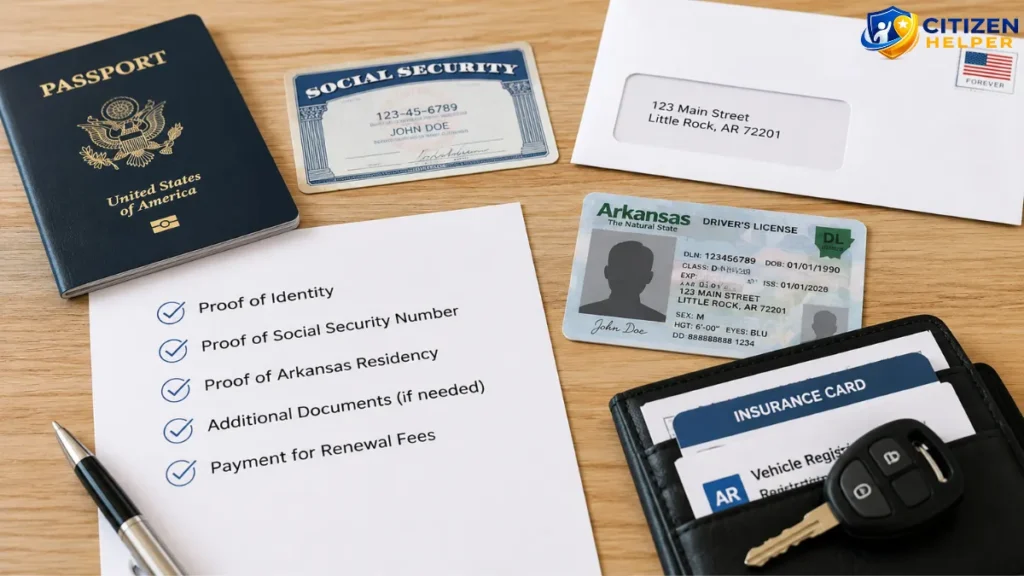
Although changing your address is generally a simple process, you’ll need to provide accurate information.
Depending on how you submit your request, PennDOT may ask for:
- Pennsylvania driver’s license or photo ID number
- Date of birth
- Current residential address
- New residential address
- Mailing address, if different from your residential address
Some transactions may require additional verification or information. Always follow the instructions provided for your specific address change method.
Having your information ready before starting the process can help you complete the update more quickly and avoid unnecessary delays.
If you’re updating both your driver’s license and vehicle registration, review the information you plan to submit for each record. Using the same spelling, street designation, apartment number, and ZIP Code helps keep your PennDOT records consistent.
It’s also a good idea to verify that your new address matches the format recognized by the U.S. Postal Service. Accurate address formatting can help reduce the chance of mail delivery problems and ensure you receive future PennDOT correspondence without interruption.
Does Changing Your Address Give You a New Driver’s License?
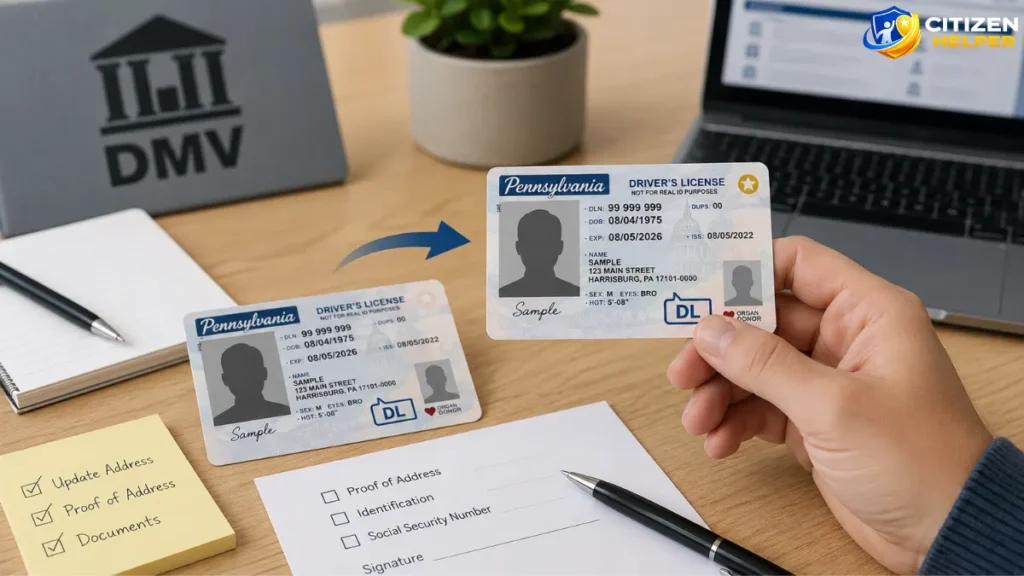
Many drivers assume that updating their address automatically results in a new driver’s license card. In Pennsylvania, that’s not necessarily the case.
Updating your address changes the information in PennDOT’s records. If you want a physical driver’s license that displays your new address, you may need to request a duplicate driver’s license and pay any applicable replacement fee.
If you’re satisfied with PennDOT updating its records only, you may not need to request a replacement card immediately.
Before ordering a duplicate license, review the latest PennDOT guidance to understand current fees and eligibility requirements.
What Happens After You Update Your Address?
After you submit your request to change your PA driver’s license address, PennDOT updates the address associated with your driver’s license record once your transaction has been processed. This helps ensure that future correspondence is sent to your current address.
Depending on your situation, you may not automatically receive a new driver’s license card. If you would like your physical license to display your new address, review PennDOT’s current guidance to determine whether requesting a duplicate driver’s license is appropriate.
If you complete your address change online or receive any type of confirmation, keep a copy for your personal records. Saving a confirmation email, receipt, or printed confirmation page can be helpful if you need to verify that your request was submitted successfully.
Vehicle owners should also confirm that the address associated with their vehicle registration has been updated. Because driver’s license and vehicle registration records are maintained separately, updating one does not automatically update the other.
Over the following weeks and months, watch for future correspondence from PennDOT, such as driver’s license renewal reminders, vehicle registration notices, or other official communications. Receiving these documents at your new address is one of the easiest ways to confirm that your records are current.
If you believe your address was entered incorrectly or you do not receive important PennDOT mail after moving, contact PennDOT or review your driver record through its official services to determine whether another update is necessary.
Should You Update Your Vehicle Registration Too?
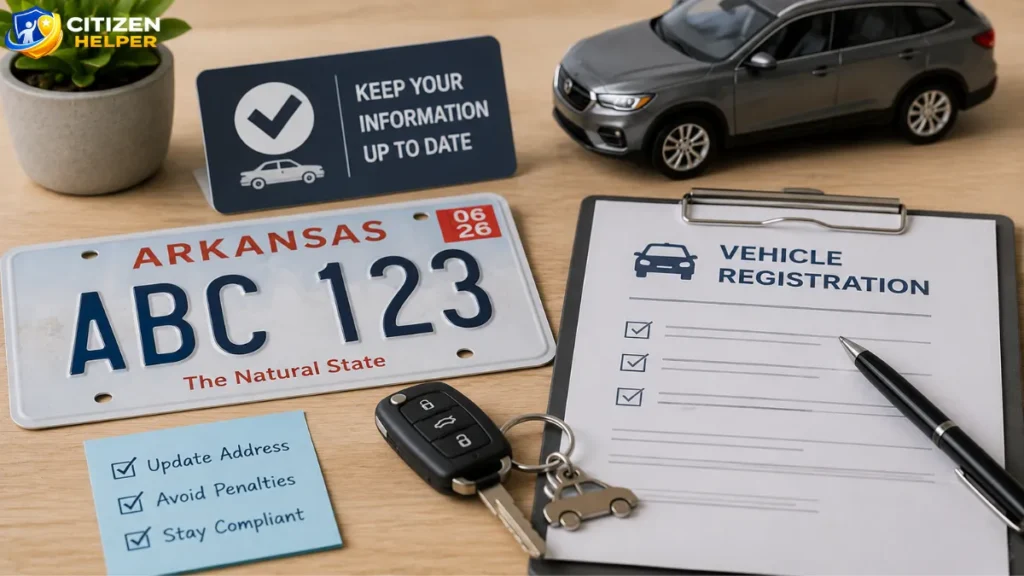
Yes. If you own a vehicle, it’s important to update the address associated with your vehicle registration as well.
Although both services are handled by PennDOT, your driver’s license and vehicle registration are maintained as separate records. Updating one does not automatically update the other.
Keeping both records current helps ensure you receive:
- Vehicle registration renewal reminders
- Registration documents
- Official PennDOT notices related to your vehicle
If you’ve recently moved, take a few extra minutes to verify that both your driver’s license and vehicle registration reflect your new address.
Updating both records at the same time can also make future transactions easier. Whether you’re renewing your registration, replacing a registration card, or completing another PennDOT service, having consistent address information across your records helps reduce confusion and minimizes the chance of delays.
How Long Does It Take to Update Your Address?
The time it takes for PennDOT to process an address change depends on how you submit your request.
- Online updates: In many cases, PennDOT updates its records shortly after your request is processed. If you request a duplicate driver’s license, you’ll need to allow additional time for printing and mailing.
- Mail requests: Mailed forms generally take longer because PennDOT must receive, review, and process the paperwork before updating your record.
- In-person transactions: If you visit a Driver License Center, processing times may vary depending on the service you request and the location you visit.
If you requested a replacement driver’s license, wait for the new card to arrive before contacting PennDOT about its status.
Current processing times can change based on transaction volume and other operational factors. For the most up-to-date information, review PennDOT’s official website before submitting your request.
Tips for a Smooth Address Change
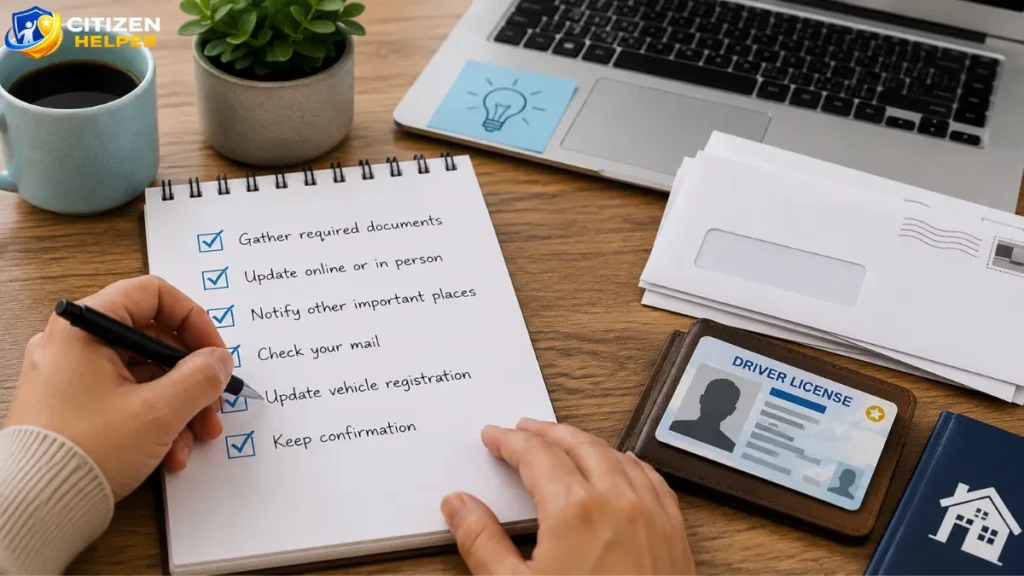
Taking a few extra minutes before submitting your request can help you avoid delays and unnecessary follow-up steps.
Keep these practical tips in mind:
- Double-check your new address before submitting it, including the street name, apartment or unit number, city, state, and ZIP Code.
- Update your vehicle registration separately if you own a vehicle, since PennDOT maintains separate records for driver’s licenses and registrations.
- Save any confirmation you receive after completing your transaction online or in person so you have proof of your request if questions arise later.
- Review the latest PennDOT instructions before beginning the process, as eligibility requirements, forms, and online services may change over time.
- Avoid requesting a duplicate driver’s license unless you need one. If you’re only updating PennDOT’s records, review the current guidance to determine whether ordering a replacement license is necessary.
Following these simple steps can make the address change process easier and help ensure your information is updated correctly the first time.
Official Source: Pennsylvania Department of Transportation (PennDOT)
Is There a Fee to Change Your Address?
Updating the address in PennDOT’s records is different from requesting a new driver’s license card.
If you only update your address, the applicable requirements may differ from those for ordering a duplicate license. However, if you choose to receive a replacement driver’s license showing your new address, PennDOT charges the current duplicate license fee.
Because fees may change over time, always verify the latest fee schedule before submitting your request.
Common Mistakes to Avoid
When updating your driver’s license address, avoiding a few common mistakes can save you time and help prevent unnecessary complications.
Waiting Too Long to Update Your Address
Don’t wait until your driver’s license is due for renewal. Updating your address promptly helps ensure you receive important PennDOT notices at your new home.
Forgetting Your Vehicle Registration
Many drivers update their driver’s license but overlook their vehicle registration. Since these are separate records, remember to update both if you own a vehicle.
Entering an Incorrect Address
Double-check your street name, apartment or unit number, city, ZIP Code, and any directional information before submitting your request.
Assuming USPS Mail Forwarding Is Enough
Mail forwarding through the United States Postal Service can help redirect mail temporarily, but it does not update your address with PennDOT. You must submit an address change directly through PennDOT.
Requesting a Replacement License Unnecessarily
If you only need PennDOT’s records updated, review the current guidance before paying for a duplicate driver’s license. Depending on your situation, a replacement card may not be necessary.
Conclusion:
Updating your driver’s license after moving is a simple but important step in keeping your Pennsylvania driving records accurate. If you’re looking to change PA driver’s license address, PennDOT offers multiple ways to complete the process, including online, by mail, and in person for eligible drivers.
Before submitting your request, take time to verify your new residential address, review the latest PennDOT instructions, and make sure you also update your vehicle registration if you own a vehicle. Keeping both records current can help ensure you receive driver’s license renewal notices, registration reminders, and other official correspondence without unnecessary delays.
Remember that procedures, eligibility requirements, fees, and processing timelines may change over time. For the most accurate and up-to-date information, always rely on the official PennDOT website before completing your address change. Taking a few extra minutes to review the latest guidance can help you avoid mistakes and make the process as smooth as possible.
Frequently Asked Questions (FAQ)
Can I change my PA driver’s license address online?
Yes. Many Pennsylvania drivers can update their address online through PennDOT’s Driver and Vehicle Services website. If you’re not eligible for an online transaction, PennDOT will explain the available alternatives.
How soon should I update my address after moving?
PennDOT encourages drivers to keep their address current so they can receive important licensing and registration notices without interruption. Update your information as soon as practical after establishing your new residence.
Will changing my address change my driver’s license number?
No. Updating your address does not affect your Pennsylvania driver’s license number. Your license number remains the same.
Do I need proof of my new address?
Requirements vary depending on the type of transaction you’re completing. Follow the instructions provided by PennDOT for your specific situation.
Can I update my driver’s license and vehicle registration at the same time?
You should update both records if you’ve moved. However, they are maintained separately, so make sure each record reflects your new address.
Will I automatically receive a new driver’s license?
No. Updating your address does not automatically result in a new driver’s license card. If you want a license showing your new address, you may need to request a duplicate license and pay the applicable fee.
Can I use a P.O. Box as my residential address?
PennDOT generally requires a residential address for driver’s license records. If you use a separate mailing address, review PennDOT’s current guidance to determine how it should be reported.